Edit text in a PDF or image without redesigning it
Most of the time you don’t need a new design — you need one detail fixed. The invitation says 7:00 PM but the party starts at 6:30. The poster has last year’s date. A document has the wrong reference number. The design is finished and you like it; you just need the words to be right.
That is surprisingly hard with ordinary tools. Opening a PDF in a word processor rebuilds the page and shifts fonts, spacing and tables. Asking an AI image generator to “change the date” usually returns a different image: new letter shapes, moved decorations, altered faces. Edit Any Text was built for the opposite goal: change only the text you choose and leave every other part of the file exactly as it was.
How Edit Any Text keeps the original design
For PDF files, the editor reads the page’s own drawing instructions and finds the exact command that prints the text you clicked. It rewrites only that command, reusing the font that is already embedded in the document, so the new characters have the same typeface, size, colour and baseline. Unchanged letters keep their original spacing, and everything else on the page — logos, tables, lines, images, links — is left byte-for-byte untouched. If the new text is longer, the rest of that line slides along so nothing overlaps.
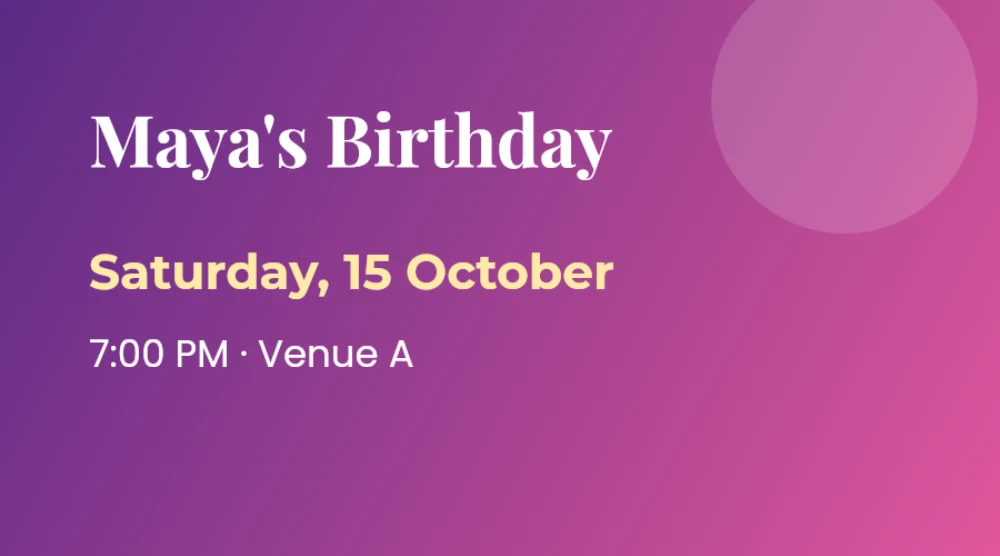
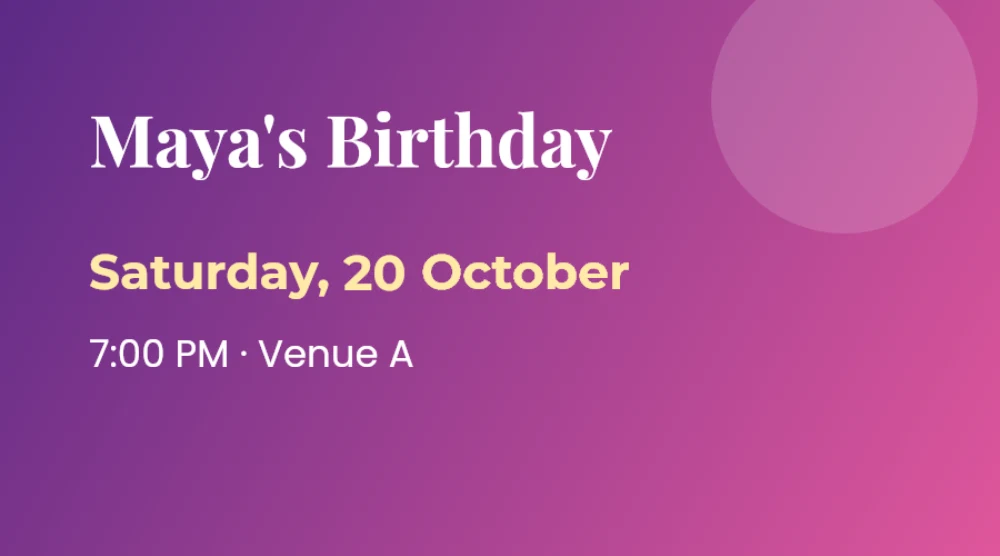
For images, screenshots and scanned pages, the editor uses text recognition to locate each word. When you change a word, it removes only the pixels belonging to the old letters, rebuilds the background behind them from the surrounding area (gradients and textures included), and draws the new word using the closest matching font, size and colour detected from the original. Words you didn’t change are never redrawn.
What you can edit
People use Edit Any Text to fix small details in finished files, for example:
- Dates, times and venues on invitations, flyers and event posters
- Typos and names in certificates, menus, brochures and social media graphics
- Numbers, references and dates in your own PDF documents and letters
- Prices and details on product images and price lists
- Text in screenshots, slides exported as images and scanned pages
Private, fast and free
Because everything runs in your browser, your file is never uploaded. That makes the tool fast and safe for personal and business documents, and it means there are no queues, sign-ups or hourly limits. The only things downloaded from the internet are the editor itself, fonts and text-recognition data.
Edit Any Text is free and supported by ads. Please use it only for files you own or are allowed to change — never to falsify official documents, identity papers or financial records.